UI Design with ChatGPT 4o
ChatGPT UI生成器的簡要演變
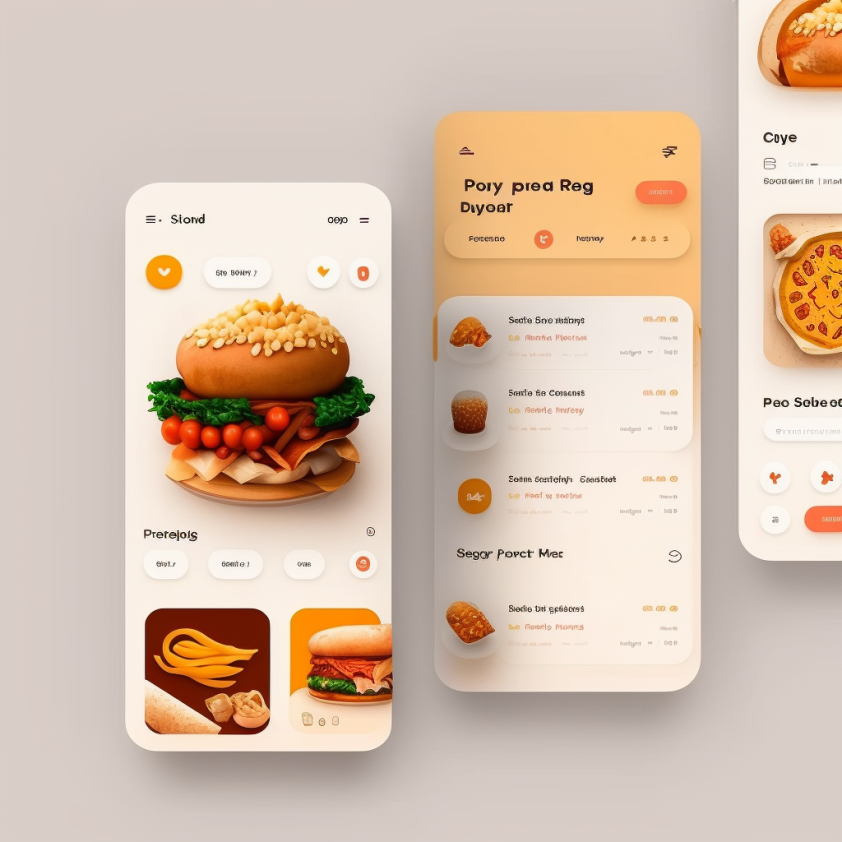
2023年DALL·E生成的輸出效果並不夠好,主要是因為DALL·E 3生成的影象中包含了無意義的文字。
使用ChatGPT 4o生成UI設計的分步指南
現在4o能夠生成包含真實文字的複雜UI設計。將設計一個名為Foodiez的外賣應用程式(虛擬App)的主頁介面,並將使用markdown格式的提示詞。
# Foodiez – Home Screen (iOS UI Design)

Design a clean, modern mobile UI screen for an iOS app titled Foodiez –
Local Food Delivery. The layout should have the following sections:

---

## 1. Status Bar (Top)

-**Style**: Standard iOS layout (top safe area)

---

## 2. Header Section

-**Centered Logo**: Foodiez
-**Font**: Medium weight, small size
-**Color**: Orange text

---

## 3. Location & Search Row

-**Left**: Location indicator (Los Angeles)
-**Right**: Notification icon (rounded, 32px)
-**Below**: Search bar with placeholder Search restaurants or dishes...
  - Rounded corners, light gray background
  - Search icon aligned left

---

## 4. Featured Restaurants Carousel

-**Style**: Horizontally scrollable cards with rounded corners and
soft shadow

### Card Items

-**Card 1**
  - Title: Sushi Master
  - Subtitle:*20–30 min • Free delivery*
  - Visual: Sushi photo thumbnail

-**Card 2**
  - Title: Pizza Mia
  - Subtitle:*15–25 min • $5 delivery*
  - Visual: Pizza image thumbnail

---

## 5. Filter Row

-**Dropdown Filters**:
  - Delivery Time – e.g., "Under 30 min"
  - Cuisine – e.g., "All Types"
  - Rating – e.g., "4+ stars"

---

## 6. Popular Nearby Restaurants List

### Layout

- Vertical stack of repeatable items

### Restaurant Card Item

-**Left**
  - Restaurant image (rounded, 64x64)

-**Center**
  - Name (e.g., Burger Zone)
  - Subtitle: Cuisine + delivery time (e.g.,*Burgers • 20–25 min*)
  - Rating: Star icon + score (e.g., ⭐ 4.7)

-**Right**
  - Favorite icon (♡ outline)

-**Bottom Row**
  - Delivery fee (e.g., $5 delivery)
  - Promo badge (if applicable): 10% Off Today!

---

## 7. Bottom Navigation Bar

-**Tabs** (Icons on top, labels below):
  -**Home**
    - State: Active
    - Style: Highlighted icon and label (orange)
  -**Search**
    - State: Inactive
    - Style: Default gray icon and label
  -**Orders**
    - State: Inactive
    - Style: Default gray icon and label
  -**Profile**
    - State: Inactive
    - Style: Default gray icon and label

-**Spacing**: Equal horizontal spacing
-**Padding**: Bottom safe area included
設計一個乾淨、現代的iOS應用首頁,名為Foodiez – 本地外賣。佈局應包括以下幾個部分:
Practical tips for writing prompts 提示詞編寫的實用技巧
使用ChatGPT分析現有設計介面,可幫助AI更好地理解您期望的樣式、密度和整體風格,從而產生更符合預期的輸出。
可以參考DoorDash、Postmates或Uber Eats等類似應用。只需將介面提交給ChatGPT並輸入"描述這個介面"即可。獲取UI設計的方法:應用截圖,線上高保真模型,使用Mobbin等UI設計資源庫
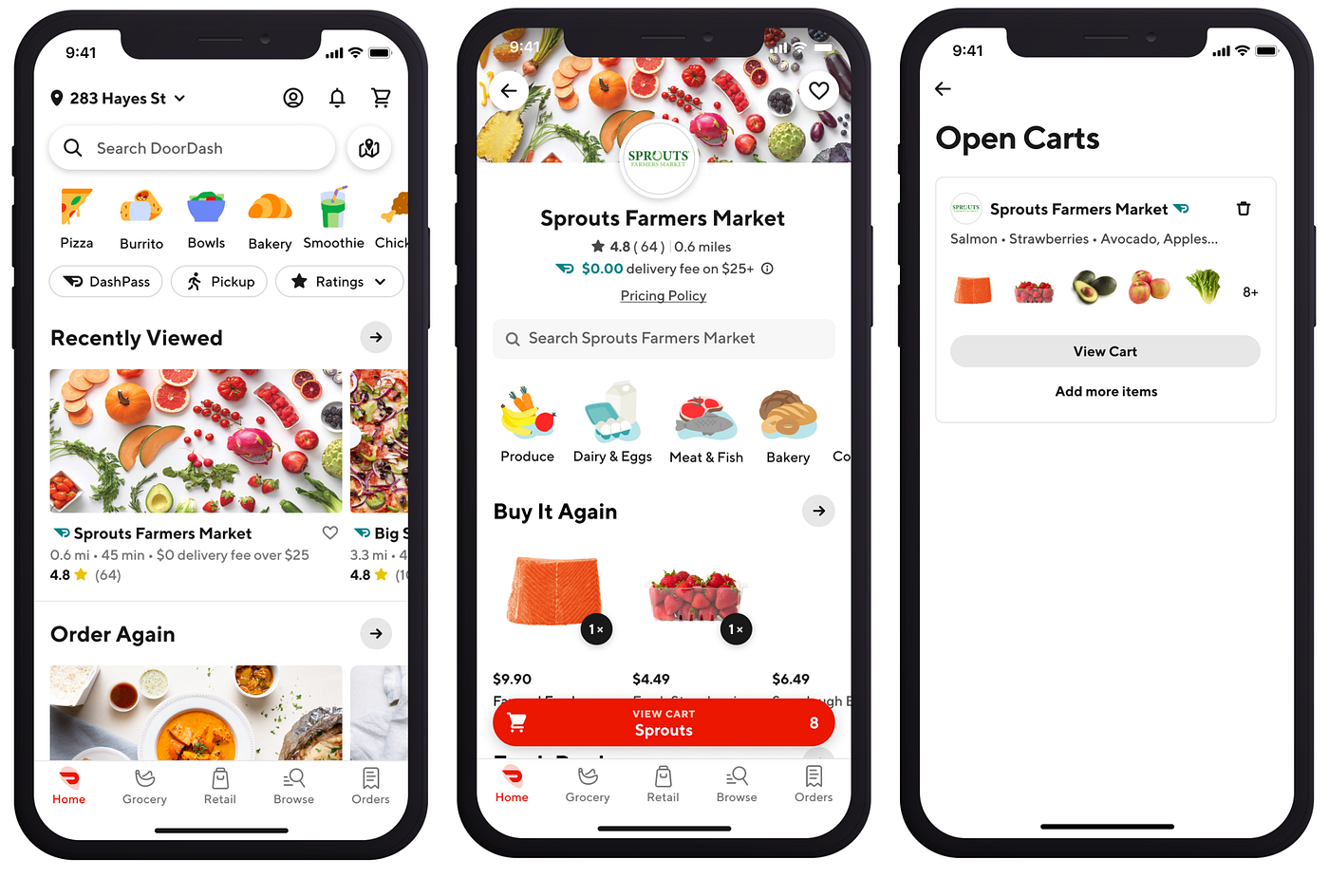
DoorDash是美國一款熱門的外賣應用。一旦獲得ChatGPT生成的輸出,你就可以對其應用markdown格式。以下是用markdown格式編寫提示詞的一些實用技巧:
- 描述佈局、用途、風格,甚至平臺(iOS、Android或Web)。
- 如果你在尋找特定的外觀,要明確提到視覺風格(例如,圓形圖示,32px)
- 使用編號部分。這將為佈局構建提供清晰的順序。這對你和AI都有好處。
- 使用粗體(即文字)來強調。這將提高畫質晰度。儘量保持markdown樣式的一致性(例如,在示例中,我對每個部分的頂層屬性使用粗體。
- 在markdown層級中最多使用3層元素。使用超過3層(#,##,###)可能會分散注意力。GPT可能無法正確解析複雜的層級結構。✅
- 提供清晰的樣式和功能行為描述。清楚地解釋某些元素應該如何展現和工作 (例如,"帶有圓角和柔和陰影的水平可滾動卡片")。
(小貼士:與其自己編寫markdown文字,不如讓ChatGPT為你的普通文字新增markdown格式。你可以將我上面分享的提示詞作為參考提供給ChatGPT(複製並貼上到輸入框中),然後讓ChatGPT在將你的提示詞轉換為markdown格式文字時參考它。)
生成過程
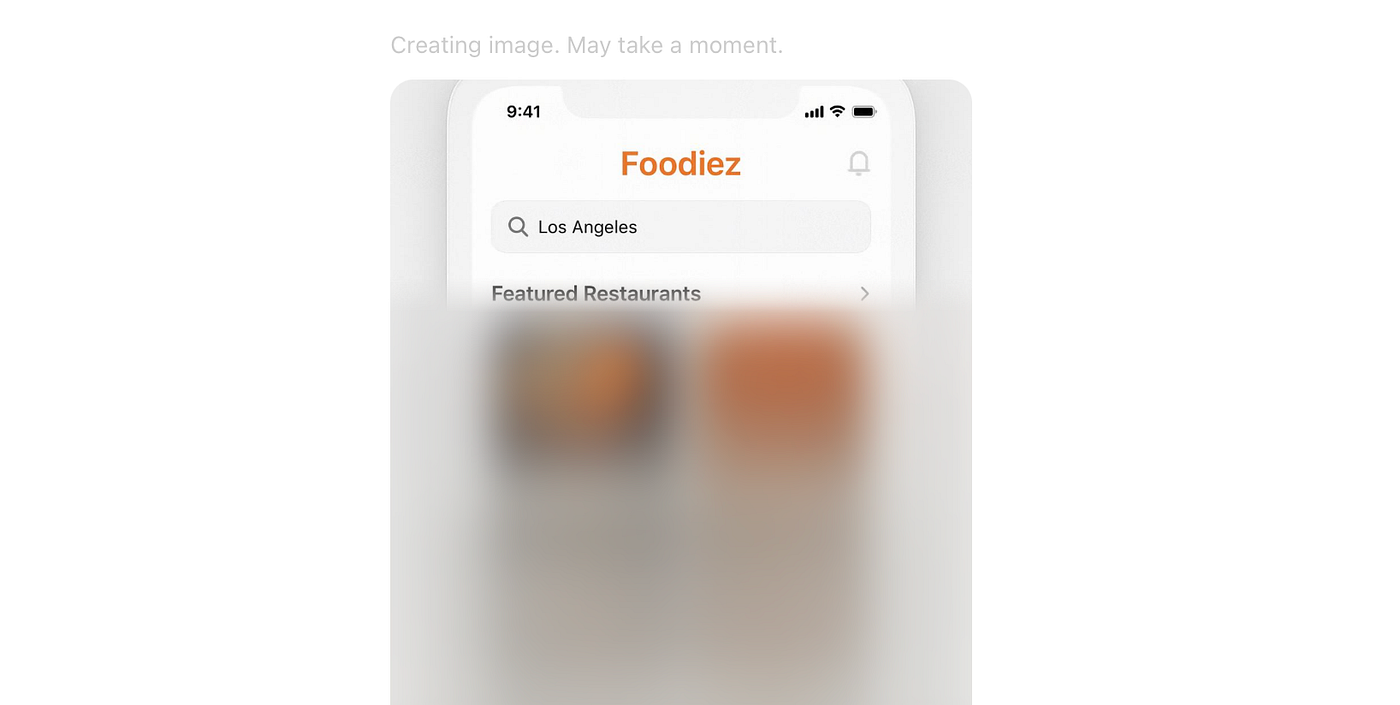
1 向ChatGPT 4o提交提示詞後,影象生成過程開始,通常需要一到兩分鐘完成。
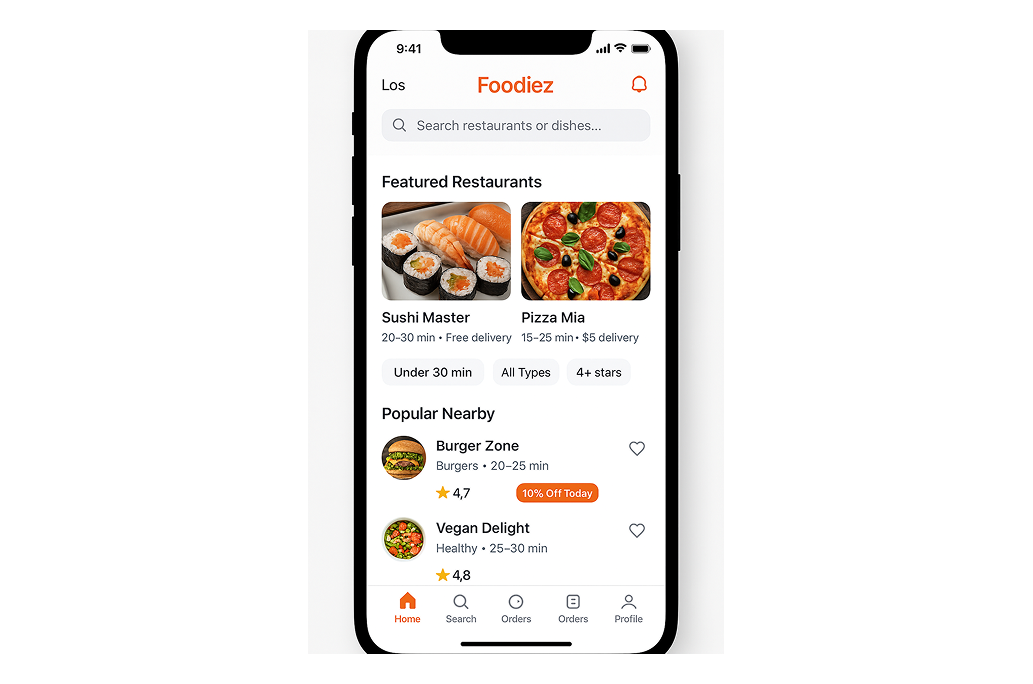
2 ChatGPT根據我們的提示詞生成的設計原始輸出。
3 微調
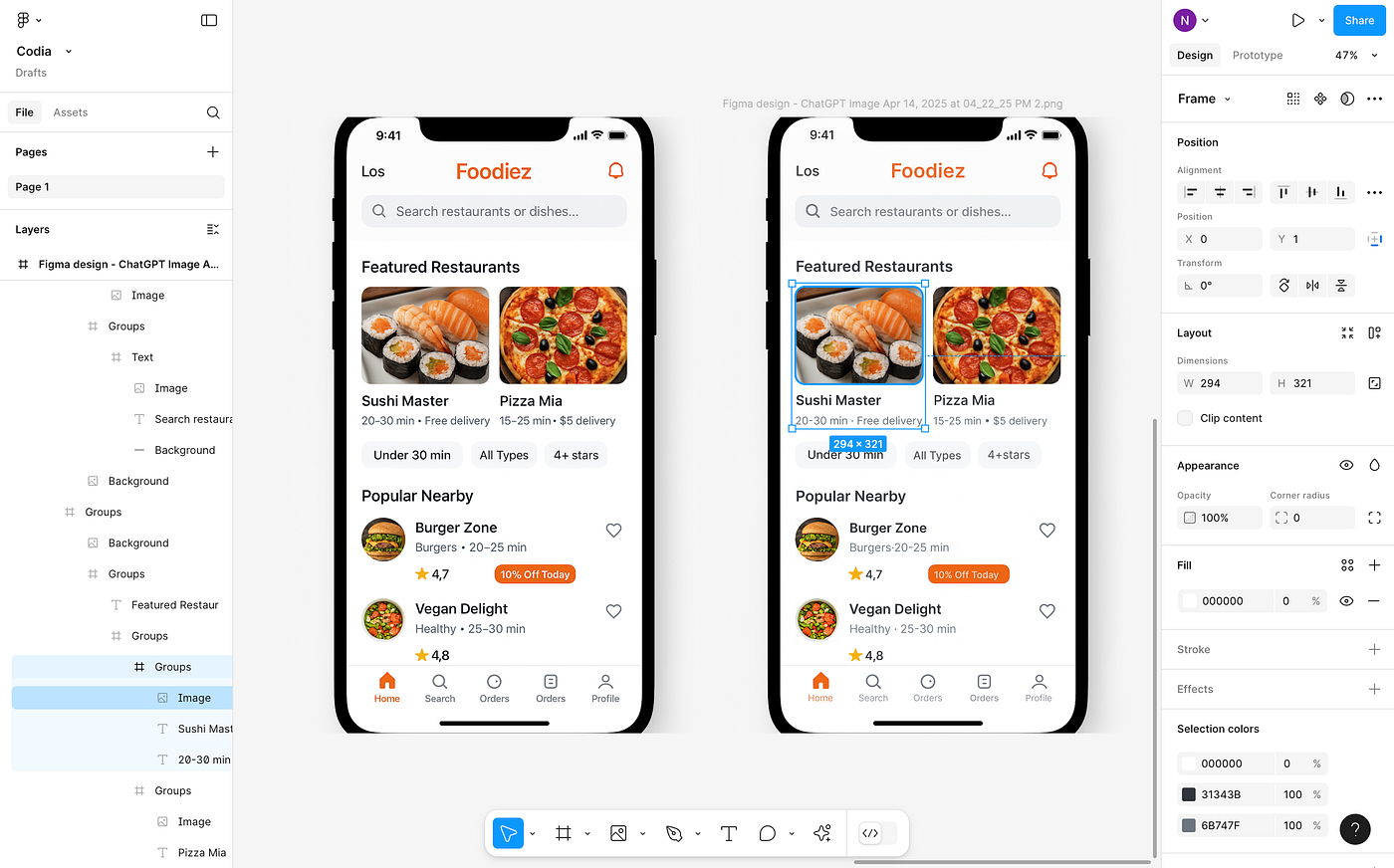
設計基本符合提示詞要求,但有兩處需要調整:左上角顯示"Los"需改為"LA",底部導航欄重複顯示了"Orders"選項。
我向ChatGPT提交以下修改提示詞:
Remove extra Orders navigation option from the bottom Tab bar and
change "Los" in the top left to "LA"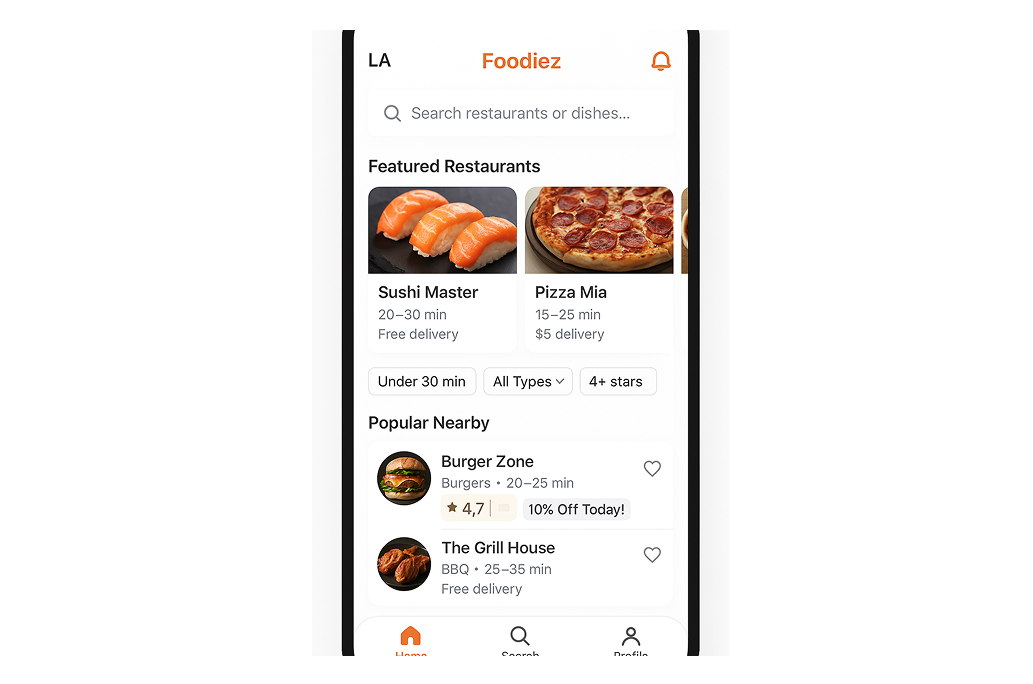
ChatGPT將"Los"成功改為"LA",但移除了所有"Orders"選項,且設計的其他元素(如圖片、文字和UI控制元件)也有所變化。
Tips:你可以請ChatGPT分析其生成的設計並提供改進建議。示例提示詞::
What can be improved in terms of hierarchy, visual balance, or accessibility?UI design process with ChatGPT 使用ChatGPT進行UI設計的流程
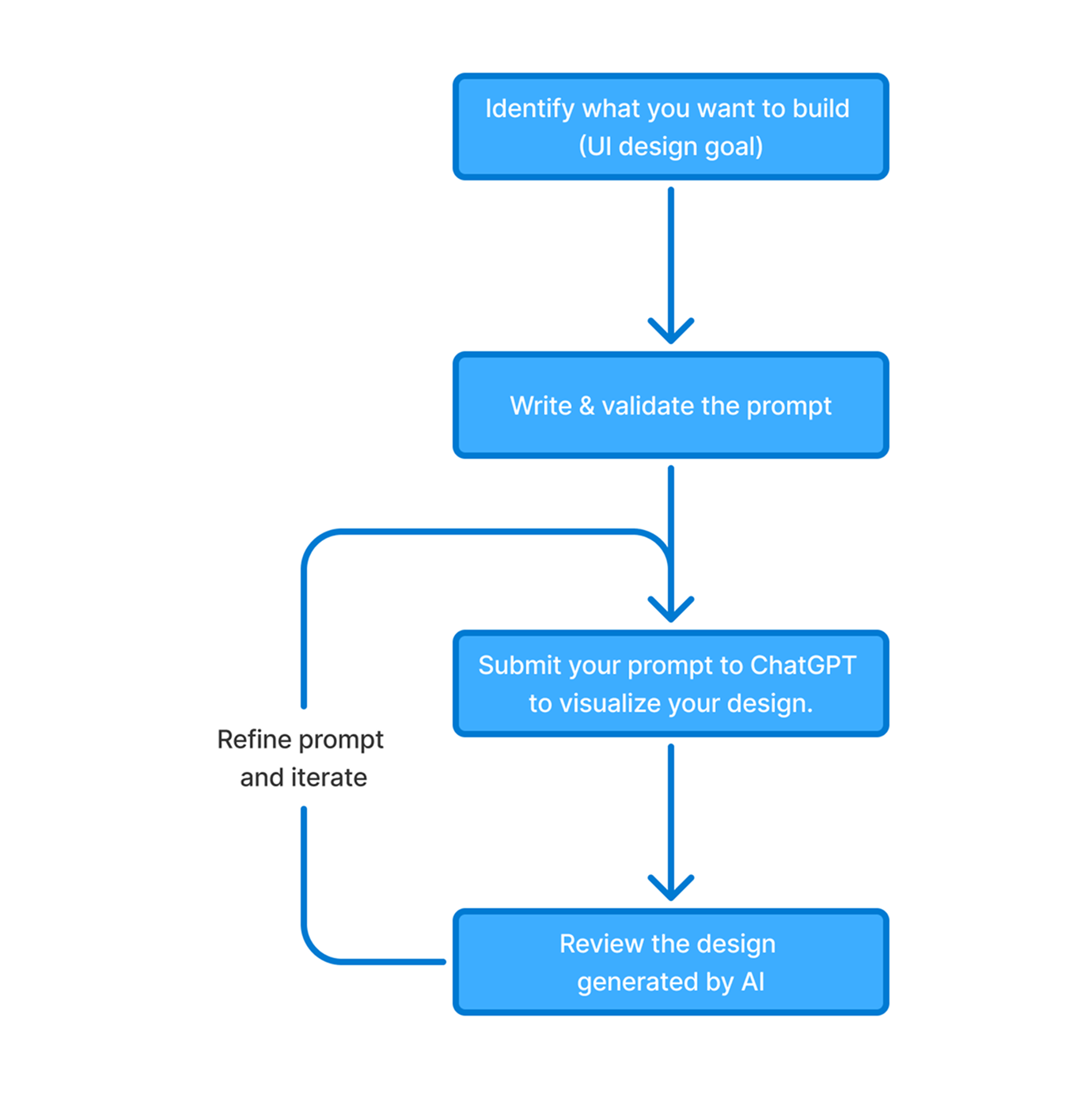
- 確定設計目標。明確頁面用途(如引導頁、儀表盤、結賬頁),目標使用者和核心功能。
- 編寫並驗證提示詞。需包含:平臺型別(如iOS/Web)、佈局結構、視覺風格和品牌調性。完成後朗讀檢查。
- 將提示詞提交給ChatGPT生成設計。
- 評估AI生成的設計。檢查是否符合目標、層級是否清晰、互動是否直觀,找出問題。
- 完善提示詞並迭代。
最終設計仍需在Figma中完善:
1 參考ChatGPT的設計在Figma中重建;
2 使用ChatGPT生成的原始設計圖和基於此圖由Codia生成的Figma佈局。